
If you are interested in learning how you can quickly trim breaths out of vocals in Logic Pro, Then Check out this tutorial. Also this tutorial can be useful forContinue readingThe Essential Guide To Editing Breaths Out Of Vocals
Author: TheOreoMonster
Importing A Loop Into An Existing MIDI Project And Finding The Tempo
This Tutorial covers how to import a loop into an existing Project with All MIDI Tracks. Check out this tutorial to see in depth how the Adjust Tempo Using RegionContinue readingImporting A Loop Into An Existing MIDI Project And Finding The Tempo
Importing A Loop Into An Existing Audio Project And Finding The Tempo
This Tutorial covers how to import a loop into an existing Project with audio tracks or a mix of Audio and MIDI tracks. Check out this tutorial to see inContinue readingImporting A Loop Into An Existing Audio Project And Finding The Tempo
How To Create An Apple Loop
Once you import a Loop into Logic and once you determine its tempo, you can export it as an Apple Loop into the Loop browser if you want to useContinue readingHow To Create An Apple Loop
Using Adjust Tempo using Region Length and Locators To Find The Tempo Of An Imported Loop
This tutorial covers how to use the region length of an imported Loops and Locators to snap the Logic Project to the tempo of the Loop without having to knowContinue readingUsing Adjust Tempo using Region Length and Locators To Find The Tempo Of An Imported Loop
Introduction TO BeatMaking
This Tutorial Starts out in a new blank project with just the Classic Electric Piano and covers all the fundamentals to get under your belt to be successful at BeatMakingContinue readingIntroduction TO BeatMaking
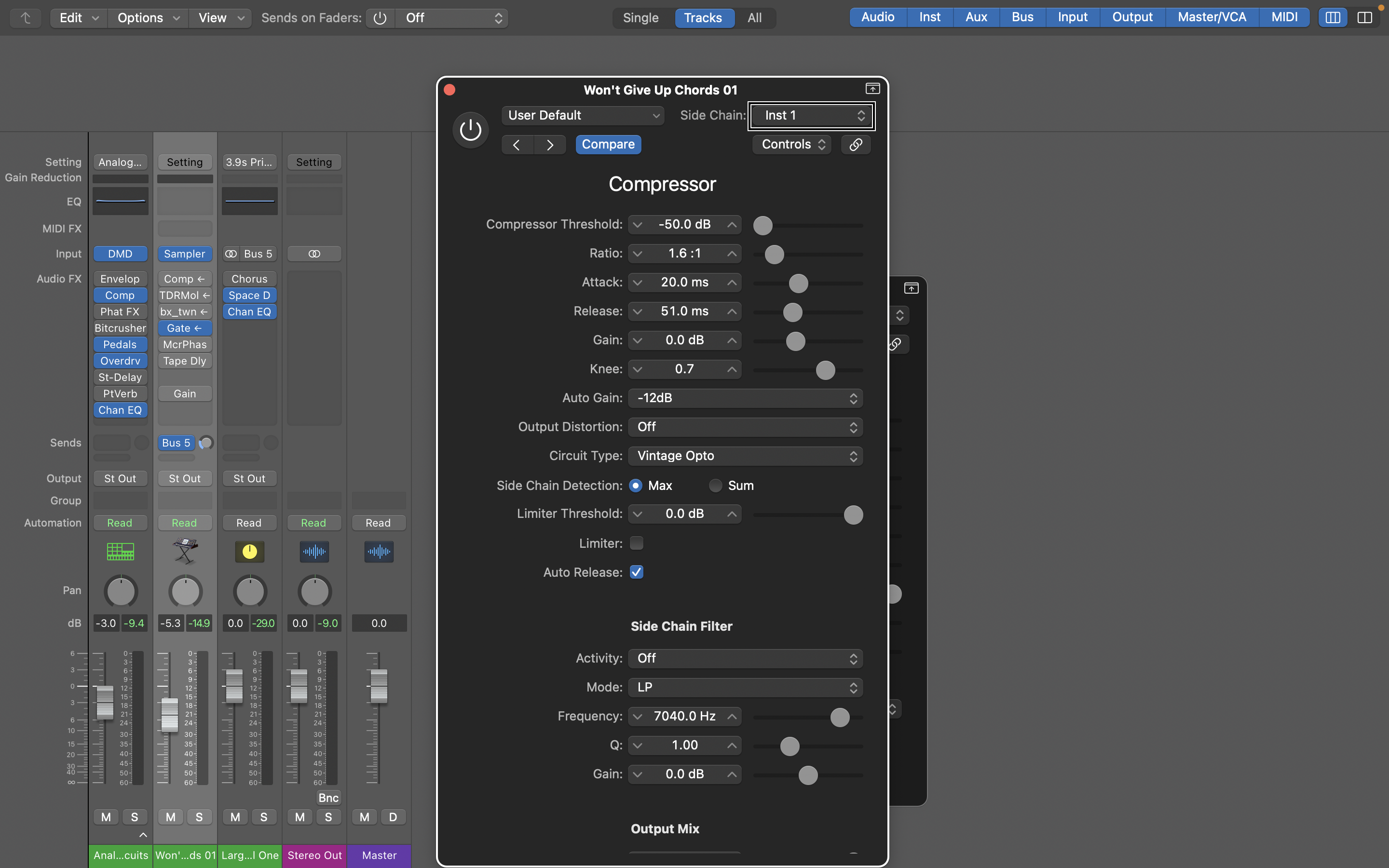
Here’s How Easy It Is To Side Chain In Logic Pro As A Blind User Using VoiceOver
Logic Pro makes side-chaining a fast, simple, and easy thing to do, and in this tutorial we’ll explain What it is, how to set it up with stock and 3rdContinue readingHere’s How Easy It Is To Side Chain In Logic Pro As A Blind User Using VoiceOver

FAQS & Logic #6 – Tuning Vocals With A MIDI Keyboard, Automate Transposing, Moving Regions, + More
Are the wav or mp3 files etc you bounce out of Logic Pro quiet? Want to know how to change the tempo of a Loop or any other Audio File?Continue readingFAQS & Logic #6 – Tuning Vocals With A MIDI Keyboard, Automate Transposing, Moving Regions, + More
Pitch Correcting Vocals By Playing In the Correct Notes With A MIDI Keyboard
This excerpt from FAQs & Logic #6 was Question 3, but is posted here. Got any Questions, let’s discuss in the comments. If you are looking for a tutorial onContinue readingPitch Correcting Vocals By Playing In the Correct Notes With A MIDI Keyboard
A Quick Way into the Library For Blind Users And Is Record Enable Status With VoiceOver Finally Fixed?
Continuing the look at what’s new in Apple’s Logic Pro 10.7.5 for VoiceOver Warriors, we will look at the record enable functionality now working more reliably and a quick wayContinue readingA Quick Way into the Library For Blind Users And Is Record Enable Status With VoiceOver Finally Fixed?